The shoot is over.
Keep the edit moving.
FlowShot gives a solo videographer or small film team one production board, one project conversation, and one focused review link.
Built for solo videographers shooting 20–40 weddings a year.
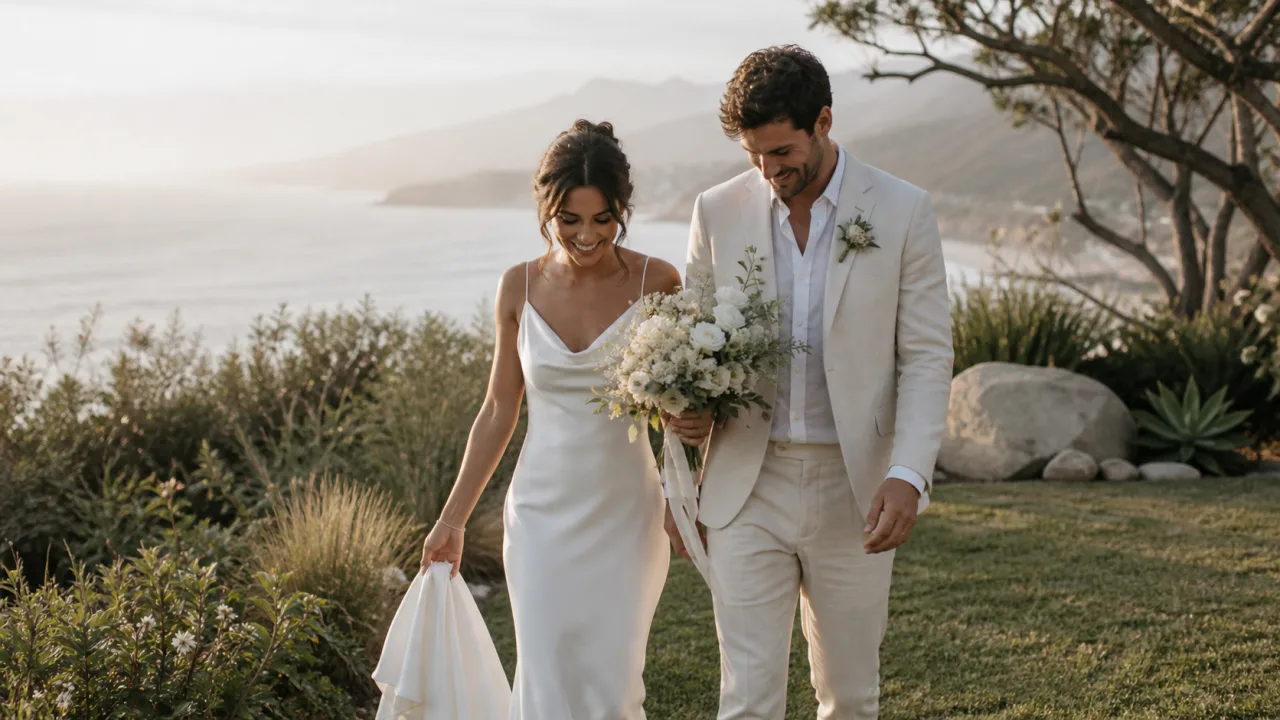
Pavel · Video Editor
Less lost context.
More forward motion.
Your shoot dates live in one tool and your edit deadlines in another.
Assign the editor and deadline on the project.
Your editor has to ask which cut a comment belongs to.
Keep revision history attached to the cut.
Notes from your team reach you as paragraphs with approximate timestamps.
Collect comments and drawings at the exact frame.
From shoot date to approved cut, keep the handoff visible.
Brief the editor.
Assign the film, add the deadline and keep the shoot notes with the project.
See how it works ↗ 02Keep your signature look.
Share your colour, pacing and export references in the studio’s Brand Kit.
See how it works ↗ 03Review the exact moment.
Leave notes on the frame, then keep the next cut and its review round together.
See how it works ↗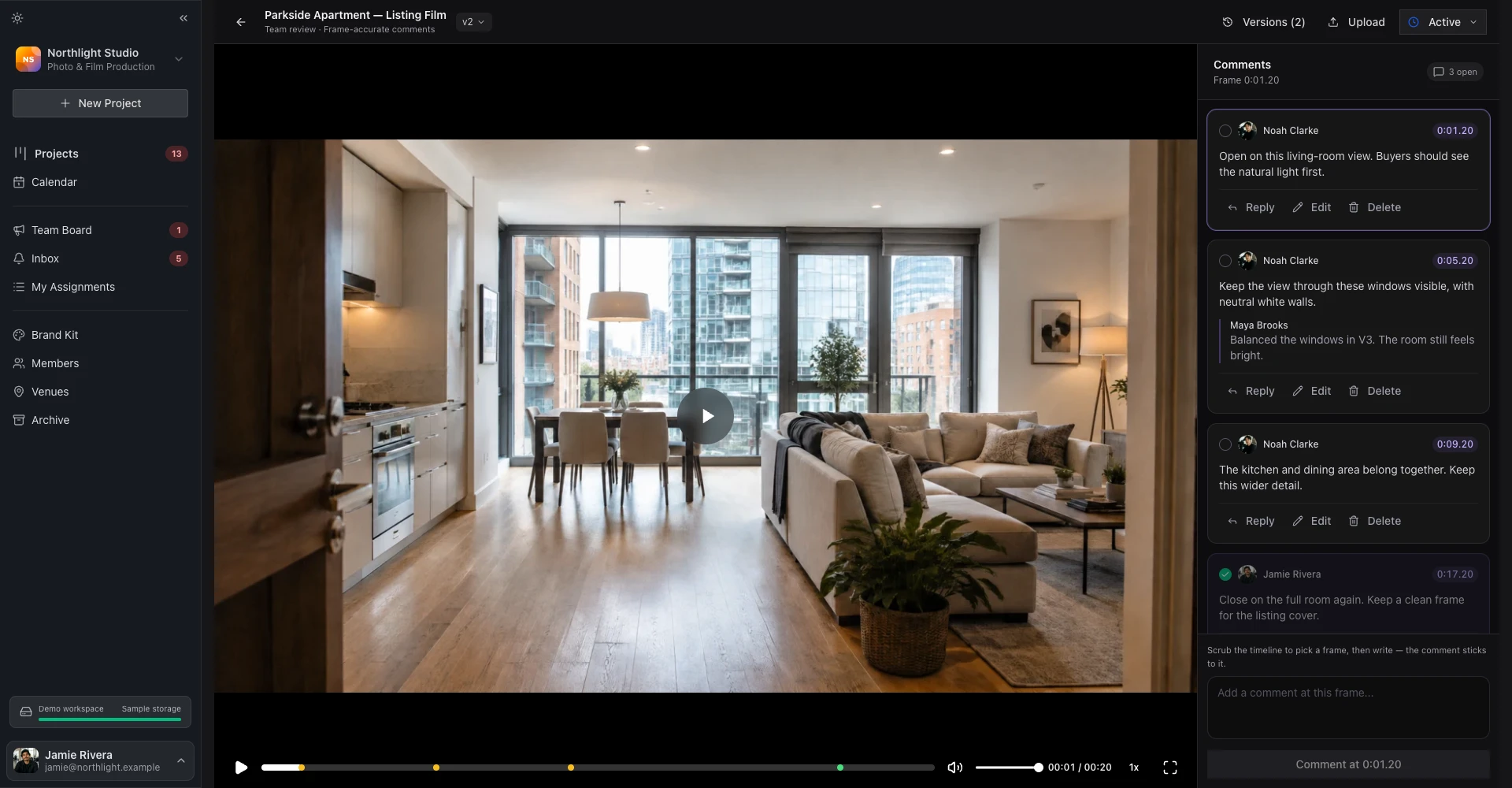 Explore a sample studioOpen showroom ↗
 The practical questions.
I recut the film three times. Do the earlier notes survive?
Does the person leaving notes need a FlowShot account?
Will a season of weddings actually fit?
My editor is a freelancer. Does that still work?
Bring your next project.
Start on Free. Add teammates and more storage when you need them.
Free plan · 2 projects · Review included · No credit card