New Multilingual chat and photo review for your team — 30 languages
FlowShot
For wedding photographers

Everything your wedding photography studio runs on, in one place.

Proposals, contracts, retainer invoices, questionnaires, shoot-day crew, Kanban post-production, and branded delivery galleries — one login, one subscription, one brand your couples trust.

  • No credit card to start
  • Custom domain on Business plan
  • Migrate from HoneyBook or Pixieset in under an hour
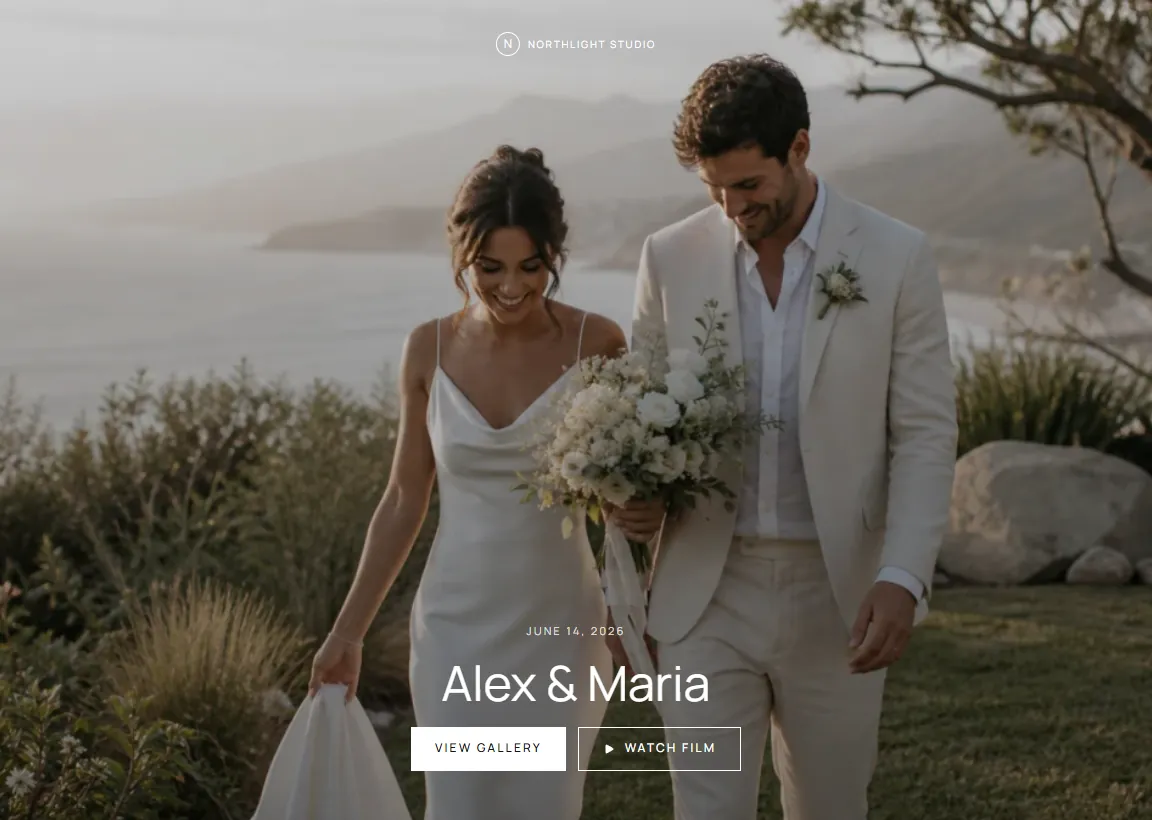
photos.your-studio.com · Sophie & James
428 photos · 50 favourites selected Balance paid

Questionnaire

Ceremony start: 15:30
First look: yes, 14:00
Family combos: 12 listed

From inquiry to delivered album

The same client journey, every wedding — without retyping a thing.

Here's how a wedding goes from DM to delivered gallery when you run it in FlowShot.

  1. 01 Inquiry

    Respond to inquiries with a branded link, not a PDF attachment.

    A couple emails or DMs about their wedding date. You send a branded proposal link with package tiers, add-ons, timeline, and contract on a single page they open on their phone.

    • Reusable proposal templates with package tiers + add-ons
    • Branded proposal link the couple opens on mobile
    • Calendar shows every booked wedding so date conflicts are visible
    • Send the proposal directly from the project drawer
  2. 02 Booking

    Signed contract + paid retainer before the couple closes their laptop.

    The couple picks their package in the proposal. When they accept, a DocuSeal contract and a retainer invoice are both generated — they sign on mobile, you send them the invoice, and you get a Telegram ping when it's done.

    • Reusable wedding photography contract templates
    • Retainer + balance invoice split
    • DocuSeal signature flow on mobile
    • Telegram alert on contract signed
  3. 03 Pre-wedding

    Questionnaires replace the 12-email timeline thread.

    Send the pre-wedding questionnaire: shot list, must-have family combinations, timeline, getting-ready address, reception end time. Answers sync to the project card so your second shooter reads the same brief on shoot day.

    • Shot-list template (ceremony, portraits, family, reception)
    • Couple can update their answers any time before the shoot date
    • Answers surface in the project drawer for the whole crew
    • Reminder send when the couple hasn't finished the form
  4. 04 Shoot day

    Your crew checks call times from their phone, not your group chat.

    Primary, second shooter, and assistant open the project on their phone: call time, venue address, family-combo list, timeline, weather contingency. Offline-capable so it works when the venue's Wi-Fi is a brick wall.

    • Role-based crew assignment — Photographer, Second Shooter, Assistant
    • Mobile-optimised project drawer with Firestore offline persistence
    • Telegram alert when crew are assigned or status changes
    • Push notifications when project status changes
  5. 05 Editing

    A board, not a spreadsheet, tracks every wedding through post.

    Custom Kanban columns match your post-production flow — drag weddings through your own statuses (or auto-advance via upload checklist completion). Assigned editors see only their queue and attach delivery-ready exports. You stop answering "is the Smith wedding done yet" four times a day.

    • Custom Kanban statuses for your post-production flow
    • Photo Editor role — sees only their assigned projects
    • Deliverable count + due date per project
    • Priority tags for honeymoon-bound couples
  6. 06 Delivery

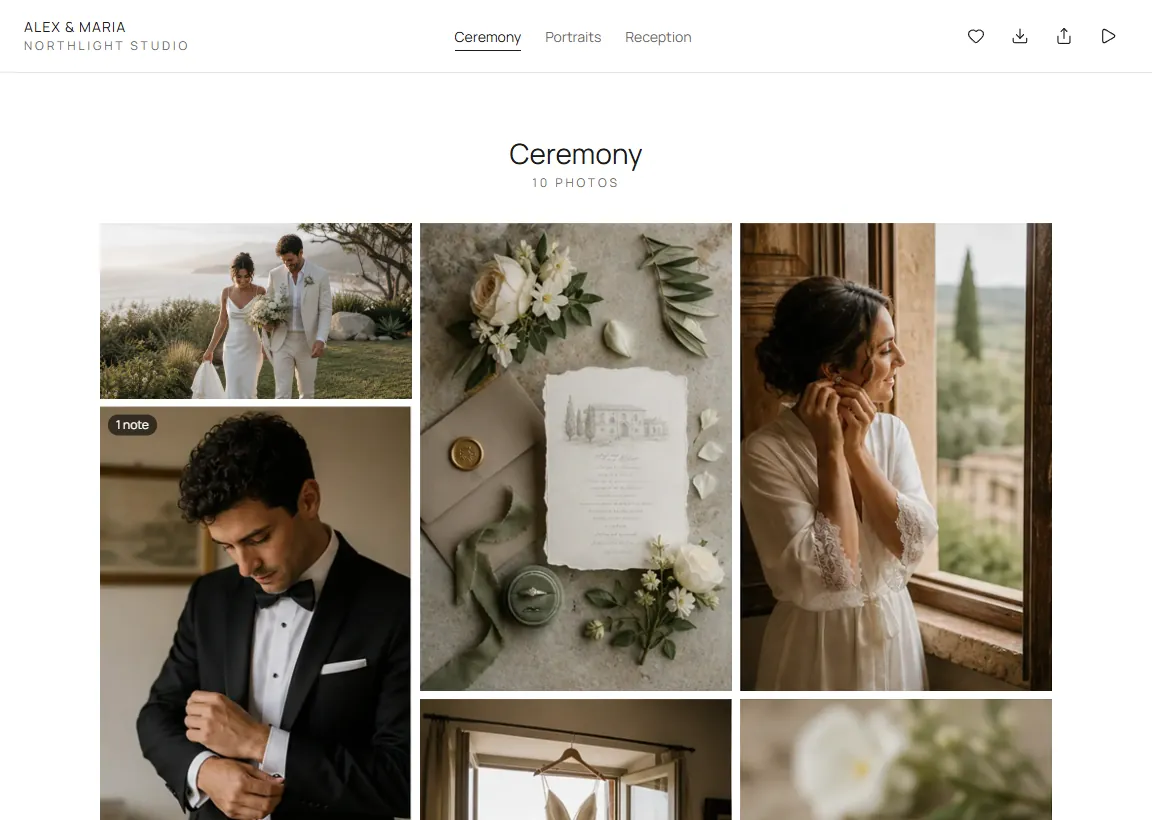
    Galleries on your domain, with favourites, downloads, and expiry.

    Publish the final edit to a branded delivery gallery. The couple favourites photos, downloads high-res files, and shares with family. Send the gallery link once the balance invoice is paid — your call, your timing.

    • Custom domain gallery on Business — your own URL
    • Downloads, favourites, and expiring share links
    • Send gallery link manually once balance is paid
    • Favourites — couple selects keepers from the gallery
Wedding photo FAQ

Common questions from wedding photographers.

How does FlowShot compare to Pixieset or ShootProof for wedding photographers?
Pixieset and ShootProof are delivery galleries with CRM features bolted on. FlowShot is the other way around: a full studio tool (Kanban, crew, proposals, contracts, invoicing, questionnaires, delivery) where galleries are one module. If your workflow stops at "send the gallery", Pixieset is fine. If your workflow is "run a wedding business", FlowShot replaces Pixieset + HoneyBook + a separate task tool in one subscription.
Does it work if I shoot both photo and video?
Yes, and no other studio tool does this. Link a photo project and a video project for the same wedding. One couple, two formats, shared timeline and crew. Your second shooter sees the same call time as your videographer. No forwarded-email loops.
Can I use my own domain for the gallery?
Yes. Point photos.your-studio.com (or whatever subdomain you want) at FlowShot in your DNS. Couples see your URL, your logo, your favicon. FlowShot never appears in the client-facing surface.
How do questionnaires work?
You build reusable templates (pre-wedding, engagement, post-wedding) with question types: short text, long text, single select, multi select, date. The couple fills them on their phone, and answers sync straight to the project drawer where your whole crew reads them.
What about contracts and invoices?
Contracts are reusable templates signed via DocuSeal (embedded, no third-party account). Invoices are documents — retainer + balance splits. The studio sends the invoice, marks it paid when money clears, and sends the delivery link as a manual final step.
How much does it cost for a solo wedding photographer?
All paid plans include a 14-day free trial — no credit card required. Starter at $25/month includes unlimited projects, 1 delivery gallery per month, and video review. Pro at $49/month scales to 3 seats, 5 deliveries per month, and 10 custom fields. Business at $89/month adds a custom domain and unlimited delivery pages. See the full pricing page.
Can I import my existing clients and contracts?
You migrate forward, not sideways. Leave historical projects in your old tool (or keep the exported PDFs) and create new inquiries directly in FlowShot. PDF contracts from HoneyBook, Dubsado, or Studio Ninja can be re-uploaded as signed documents attached to a project. Most studios find that the manual setup of their next 2-3 jobs is faster than untangling years of mixed data.

Run your next wedding in one tool, not four.

14-day free trial on every plan — no credit card. Migration from HoneyBook or Pixieset takes under an hour.