Different studios. One assignment list.
My Assignments brings together their assigned projects from every FlowShot organization they belong to. Photo retouching and video editing, in one place.
A place for everything around the shoot — and everyone who helps make it happen. Explore how the pieces work together.
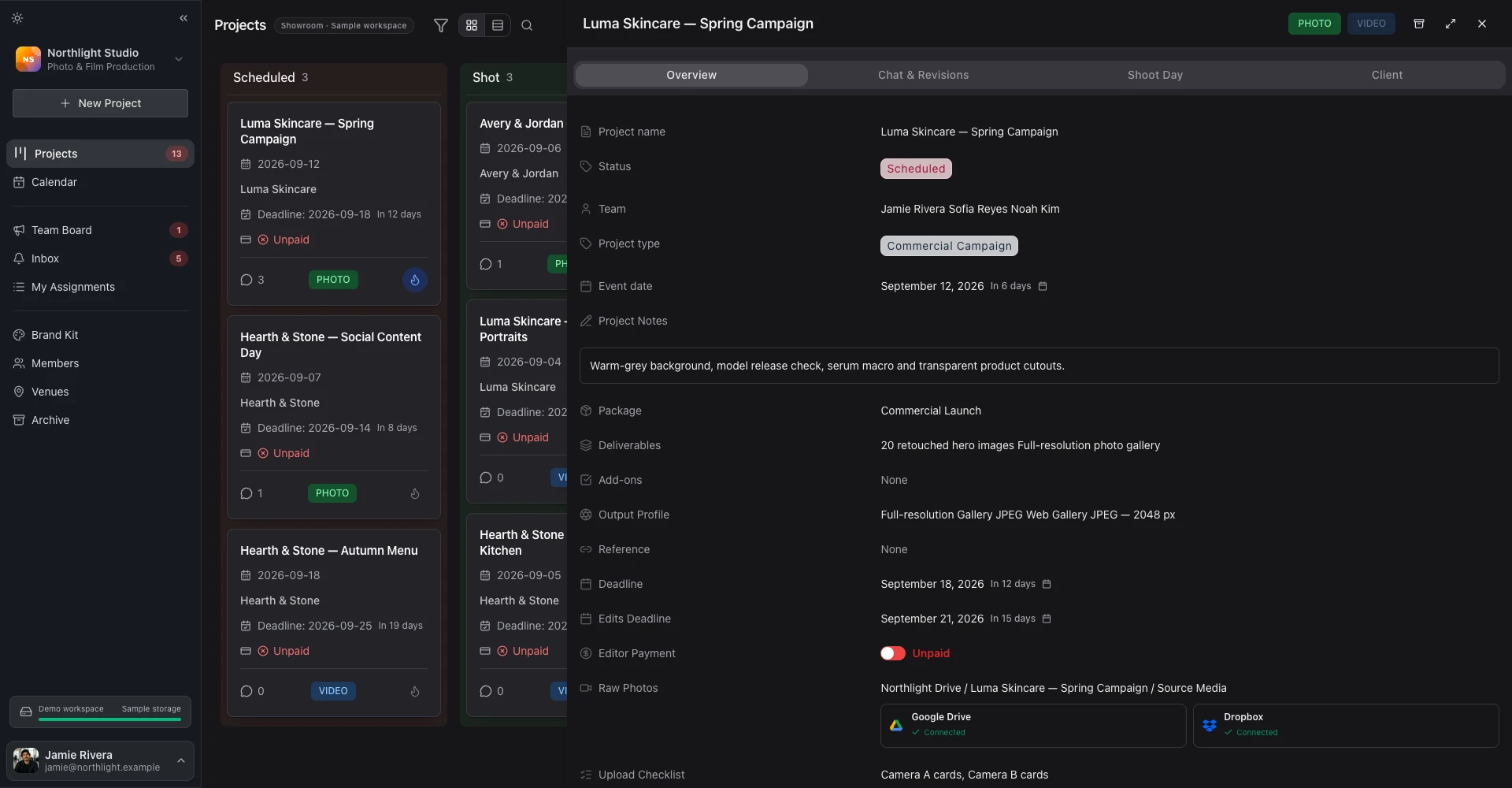
The brief, crew, dates and conversation. Together on one project.
Explore project management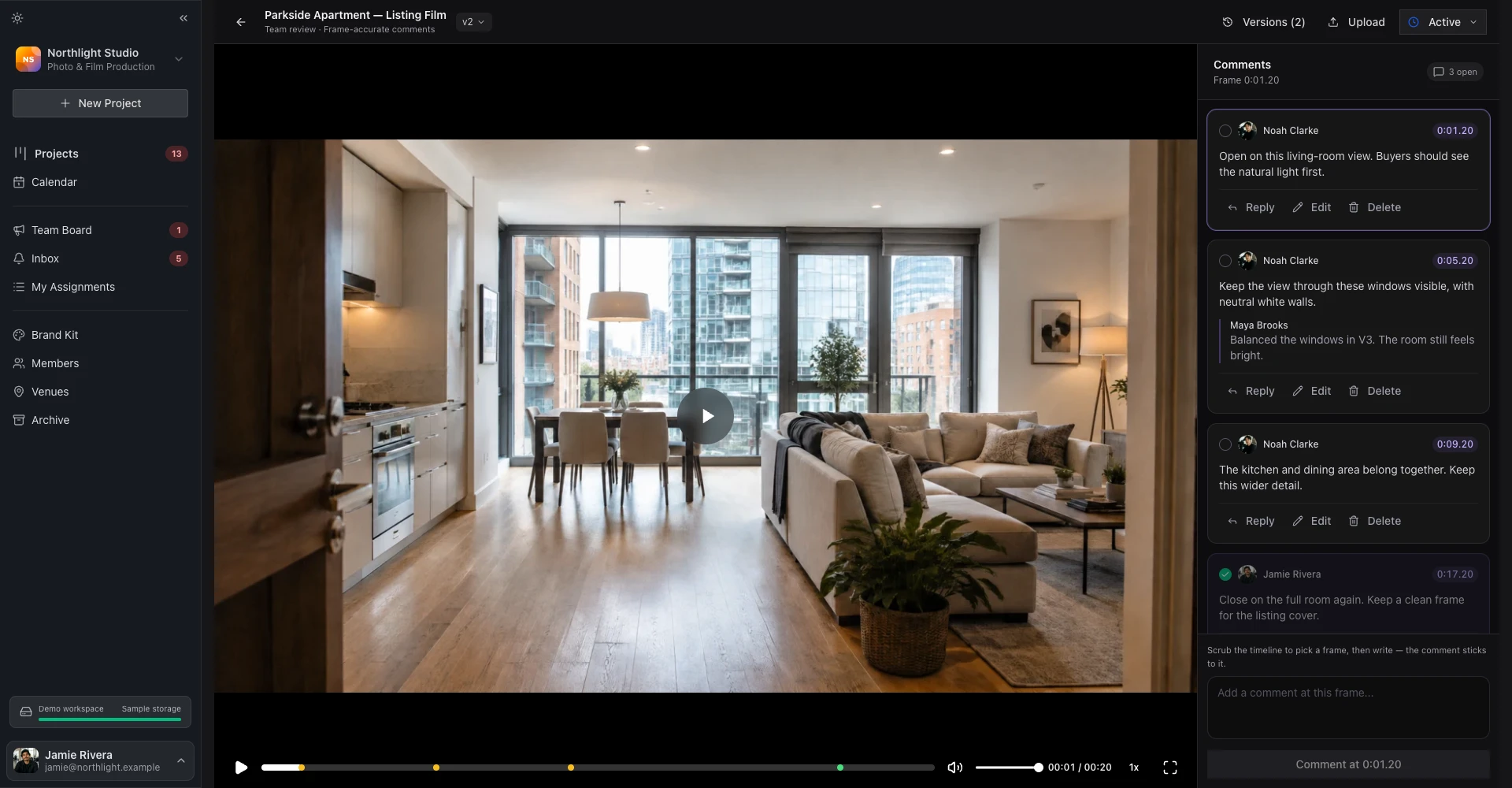
Review photos and video. Keep every note with its frame and version.
Explore photo & video review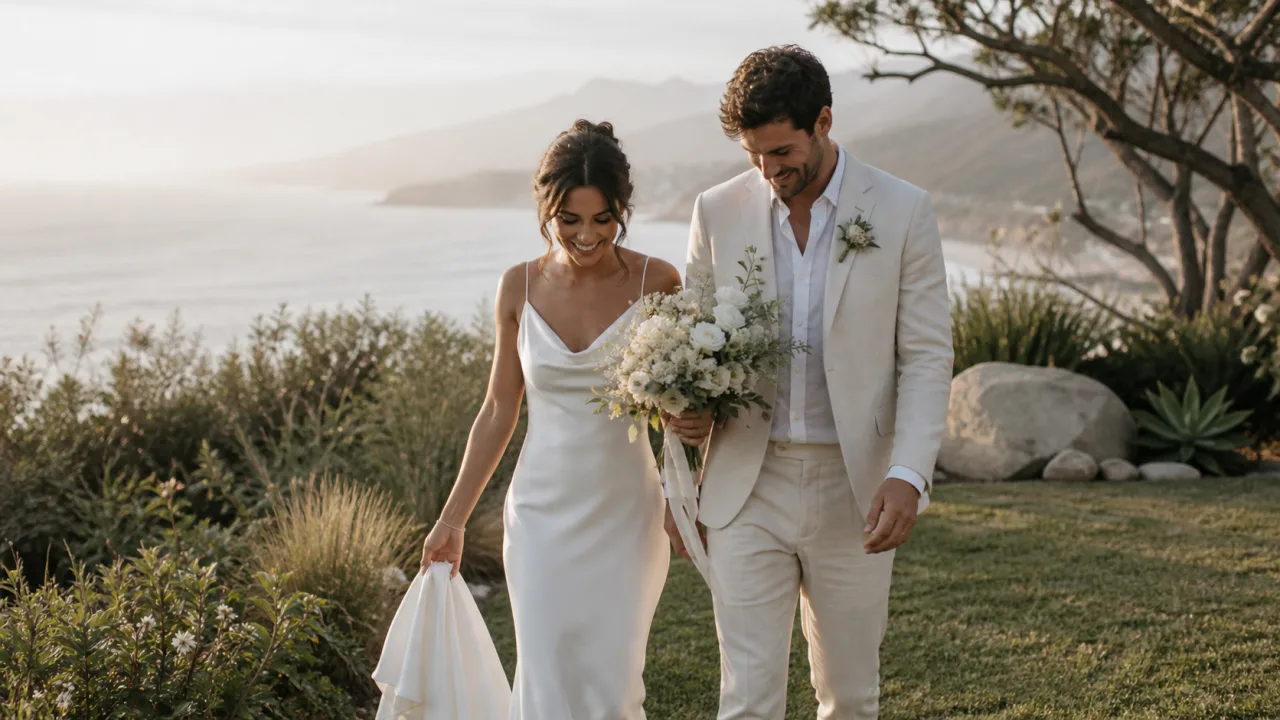
Create the project. Your Google Drive or Dropbox folders follow automatically.
Explore integrationsTake inquiries with your own form, keep leads on a board and send one document with the quote, contract and payment plan to sign online. Your client taps “I’ve paid” and you confirm it. When they book, the project appears on your board with their details.
Solo, Studio, Pro and Max include the CRM, and so does the 7-day trial.
Explore the CRM ↗Choose a template, confirm the recipient and send from the project. Open the completed responses there, too. No hunting for a separate form link.
Example responses · Linked to the project
Show the colour and skin tones your studio is aiming for. Keep the LUT, music library, editing examples and logo links where new editors can always find them.
Natural skin, rich shadows and a consistent colour palette. Keep the person and the texture.

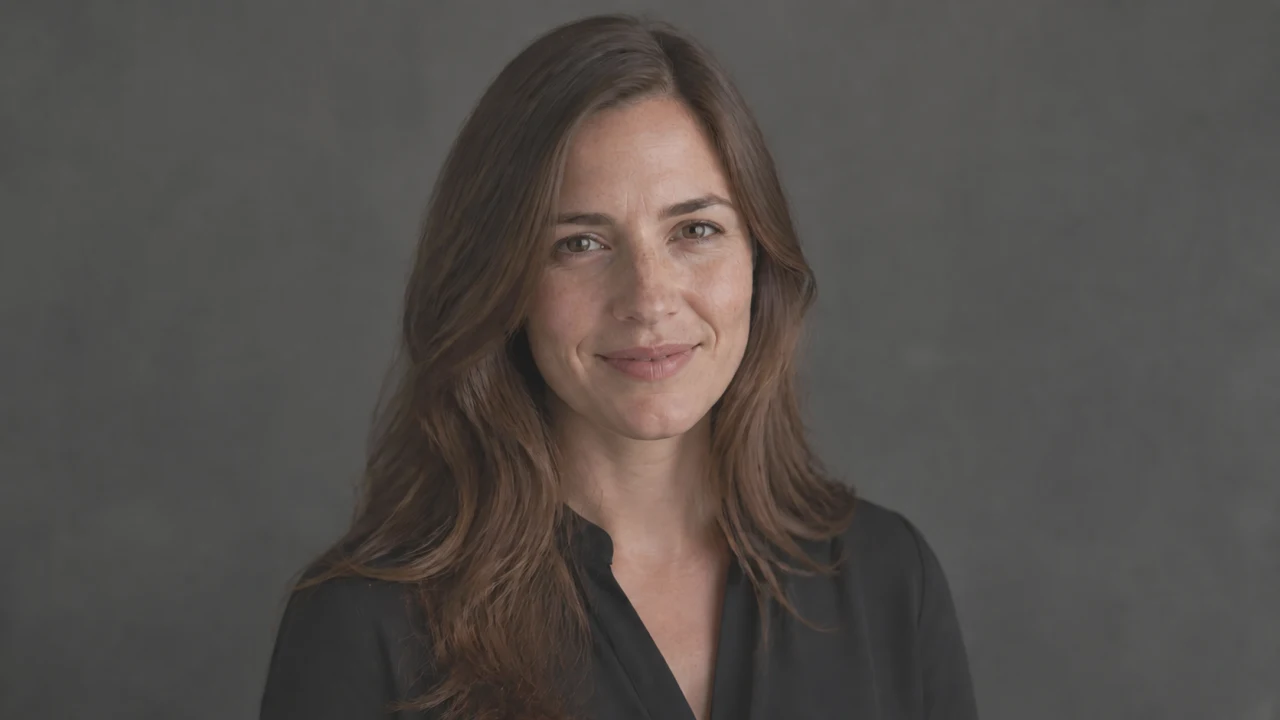
Everything a new editor needs, ready to find again.
Discuss a shoot inside its project. Use Team Board for announcements and updates the whole studio needs to see.
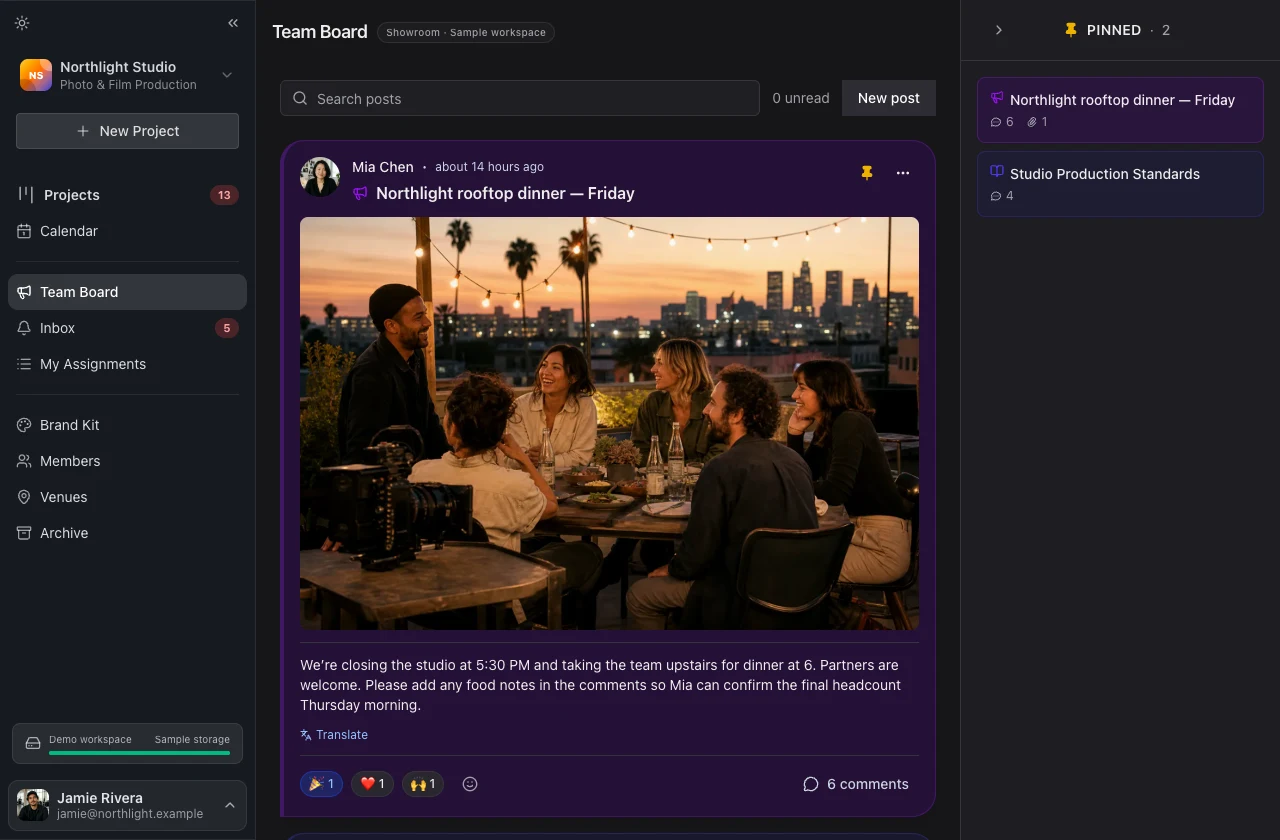
Every project has a place for the brief, conversations, shoot details and client information — organized in separate tabs.
Working with freelancers? Turn off their Client Info access to keep client contact and payment details private from them.
Luma Skincare — Spring Campaign
Owner preview · Client details are visible.
“Which projects was that payment for?”
Keep the request, amounts and payment history connected to the work.
Try each step. This is an example — no request is sent and no money is moved.
 FROM · VIDEO EDITORMaya Brooks
 TO · VIDEOGRAPHERNoah Williams
Confirmed receipt updates the payment record on both linked projects.
Illustrative team payment request · Sample amounts and dates
FlowShot tracks team payment requests and confirmations. Money is paid separately using the payment details on the request.
Give your freelancers a simpler way to work with you, even when they work with other studios.
My Assignments brings together their assigned projects from every FlowShot organization they belong to. Photo retouching and video editing, in one place.
Move between the organizations they work with from the same account. Each studio keeps its own workspace and access rules.
One account. Your work across studios.
Send your finished video straight from the review page to Google Drive, Dropbox or YouTube.
Keep the finished video in your connected Google Drive.
Try a destination above. This is a preview — no accounts connect and no files are sent.
Start on Free. Choose more room and more people when your studio needs them.
Free plan · 2 projects · Review included · No credit card