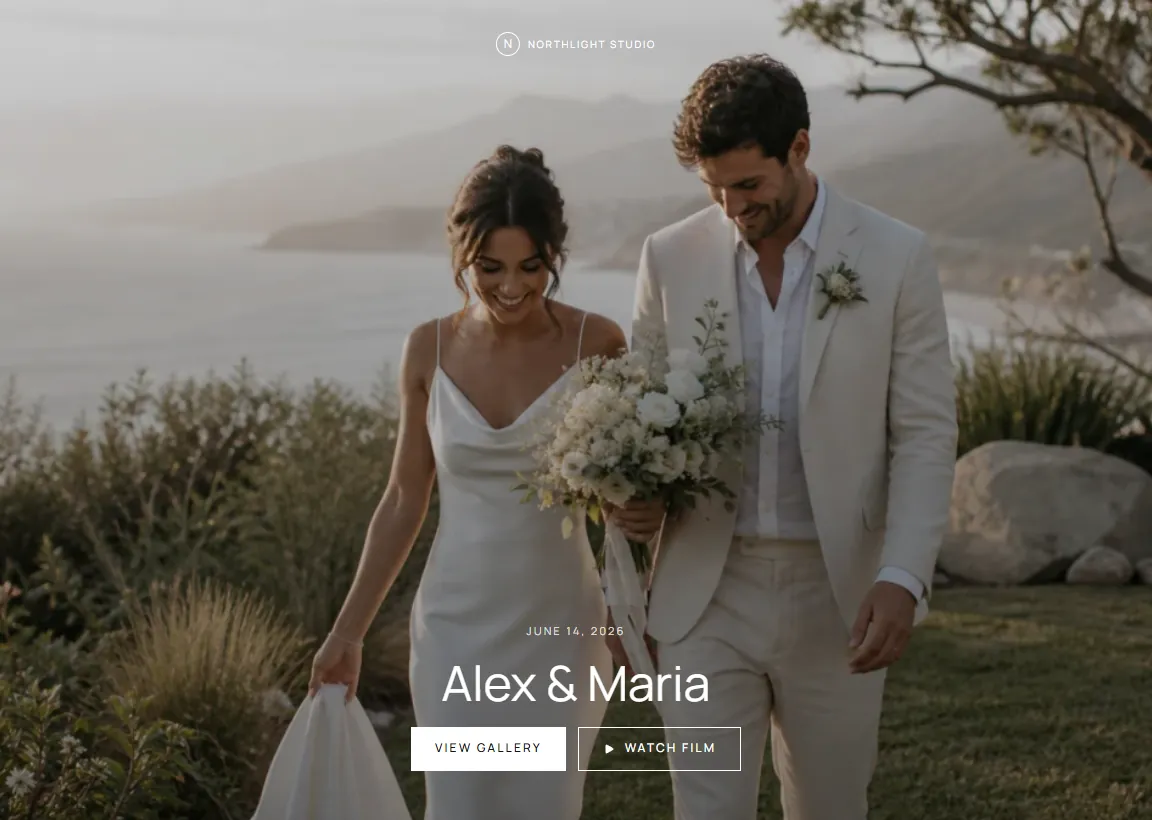
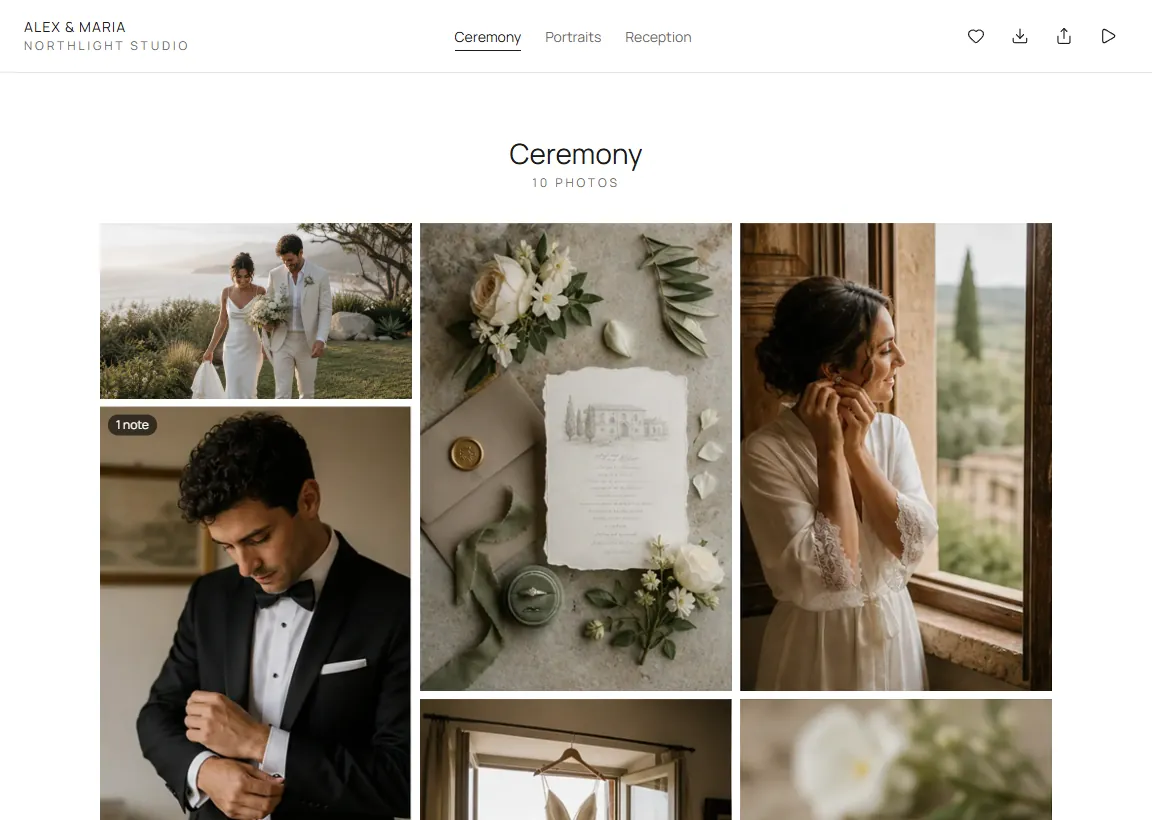
Deliver the photos and the films together. Your client views, hearts favorites, leaves notes and downloads the originals in the browser, with no account to create.
Group the day into chapters and pick the cover, layout, theme and
typeface. A slideshow can play with your soundtrack.
Favorites.
Your client hearts the photos they love, keeps separate lists and
downloads just those.
The film, beside the photos.
The films from the day play in the same gallery, and the original
file is there to download.
Notes that reach the right place
“Soften this one.” On that photo.
Your client leaves a note on the exact photo after confirming their
email with a code. It lands in the project’s photo review, where your
editor already works, and your team is notified. Reply from the studio
and your client sees the answer under the note.
Notes on a film sent from a review carry the moment in the film.
Film notes also appear in the FlowShot panel for Premiere Pro.
Turn client notes off for a gallery that needs none.
Private by default
Your client’s day. Not a search result.
Each gallery sits at an unlisted address that search engines are told
not to index. Add a password to view and a PIN to download, and send
both with the link.
Your logo as a watermark on the photos your client views.
A closing date, with reminder emails before it.
Share links with a preview, including WhatsApp.
From the work you already did
No second upload. No second tool.
Send approved photos from your team’s review straight into the gallery,
publish from Lightroom Classic, or upload from your computer. Films come
from their review or upload in the gallery’s Film tab.
A photo sent from review is the same file, not a second copy.
The gallery’s activity shows views, favorites and downloads.
On every plan
Free included.
Only the original photos count toward your storage. Share the
finished gallery with a single private link.
No. Your client opens the link in any browser. Favorites ask for their email once, and the first note asks for their name, email and a code we send to it.
Can I keep a gallery private?
Yes. Every gallery sits at an unlisted address that search engines are told not to index. You can add a password for viewing and a separate PIN for downloads, and send both in the email to your client.
What can my client download?
The full-resolution originals: one photo, a chapter, their favorites or the whole gallery, and the original file of a film. With a download PIN set, nothing downloads without it.
Where do my client’s notes go?
A note on a photo lands in the project’s photo review, on that photo, and your team is notified. On a film sent from a review, your client can also leave a note at a moment in the film; it lands on that version of the cut and in the FlowShot panel for Premiere Pro.
Is it on the free plan?
Yes. Client Gallery is on every plan, Free included; on Free the gallery shows a small “Powered by FlowShot” footer. Only the original photos count toward your storage.
Can I sell prints or use my own domain?
There is no print store. Paid plans include one custom gallery domain per organization; Free and Trial galleries use a FlowShot address.