
The most useful way to give feedback to a video editor is to attach one clear instruction to the exact moment it concerns. Include what should change and, when it affects the creative decision, why. Then send the editor one consolidated revision list against one frozen version of the cut.
The expensive alternative is a relay: a client messages the producer, the producer rewrites the note, adds a guessed timecode and forwards it to the editor. The editor works from the producer’s interpretation rather than the frame the reviewer saw.
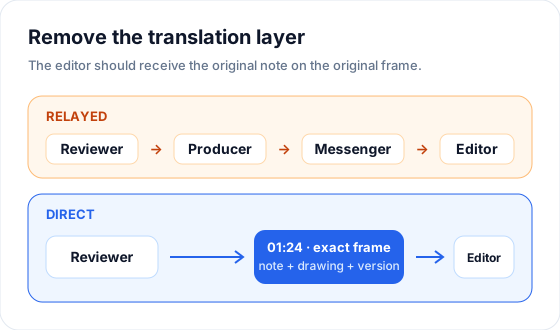 Direct feedback preserves the timestamp, wording, drawing and version context.
What good video-editing feedback contains
A useful review note answers three questions:
- Where is the problem? Let the player capture the timestamp instead of typing it from memory.
- What should change? Ask for a visible or audible action: trim, extend, replace, lower, brighten, crop or reorder.
- Why does it matter? Include the reason when it changes the creative choice. Skip it when the instruction is already unambiguous.
Compare these notes:
| Vague feedback | Actionable feedback |
|---|---|
| “The middle feels slow.” | “01:24 — hold this close-up two seconds longer so the reaction lands before the music change.” |
| “Can you fix the audio?” | “03:42 — lower the music under the vows by roughly 30% so both voices remain clear.” |
| “Use a better shot here.” | “00:18 — replace the wide shot with Camera B’s close-up of the entrance.” |
The second column removes a search task. The editor can open the note, see the frame and make the change without asking which “middle” or which audio problem the reviewer meant.
Why relaying revisions creates errors
Every rewrite introduces another opportunity to lose information:
- a timestamp is copied incorrectly;
- “make it warmer” becomes a different color decision in the producer’s wording;
- a screenshot is separated from the comment it was meant to explain;
- notes from V1 are forwarded after V2 is already in review;
- two reviewers make conflicting requests and both reach the editor as final instructions.
The producer still has an important role. They decide what is in scope, combine duplicates, resolve contradictions and close the round. They should curate the original feedback rather than retype it into a new channel.
Run one closed revision round per version
A review round needs a beginning and an end. Without that boundary, four notes arriving across two days become four interruptions.
Use this sequence:
- Upload or publish a clearly named version such as
Highlight Film · V1. - Set a deadline for reviewers.
- Keep every note on that version.
- Resolve duplicate or conflicting requests before handoff.
- Close the note window and assign the editor one list.
- Upload the next cut as V2 rather than replacing V1.
Old notes should remain attached to the version on which they were written. A request that was valid at 01:24 in V1 may point to a different scene in V2. Version history prevents an obsolete timecode from looking current.
Use drawings only when the change is spatial
Words work well for timing, music and narrative choices. A drawing is better for a crop, a distracting object, a title position or an area that needs retouching.
The drawing should supplement the instruction:
00:47 — remove the light stand inside the marked area.
A circle without text makes the editor infer the request. A paragraph without a mark makes the editor search the frame. Together they remove both guesses.
Give the editor the project context once
Frame-specific feedback solves the change list. The editor still needs the project around it:
- deliverable name and target duration;
- due date and current owner;
- music, brand or story references;
- which cut is current;
- where source media and exports live;
- who can approve the round.
Keep that context with the project instead of repeating it in every revision message. If a deadline changes, update the project once. If the brief changes, keep the decision beside the work where the editor can find it.
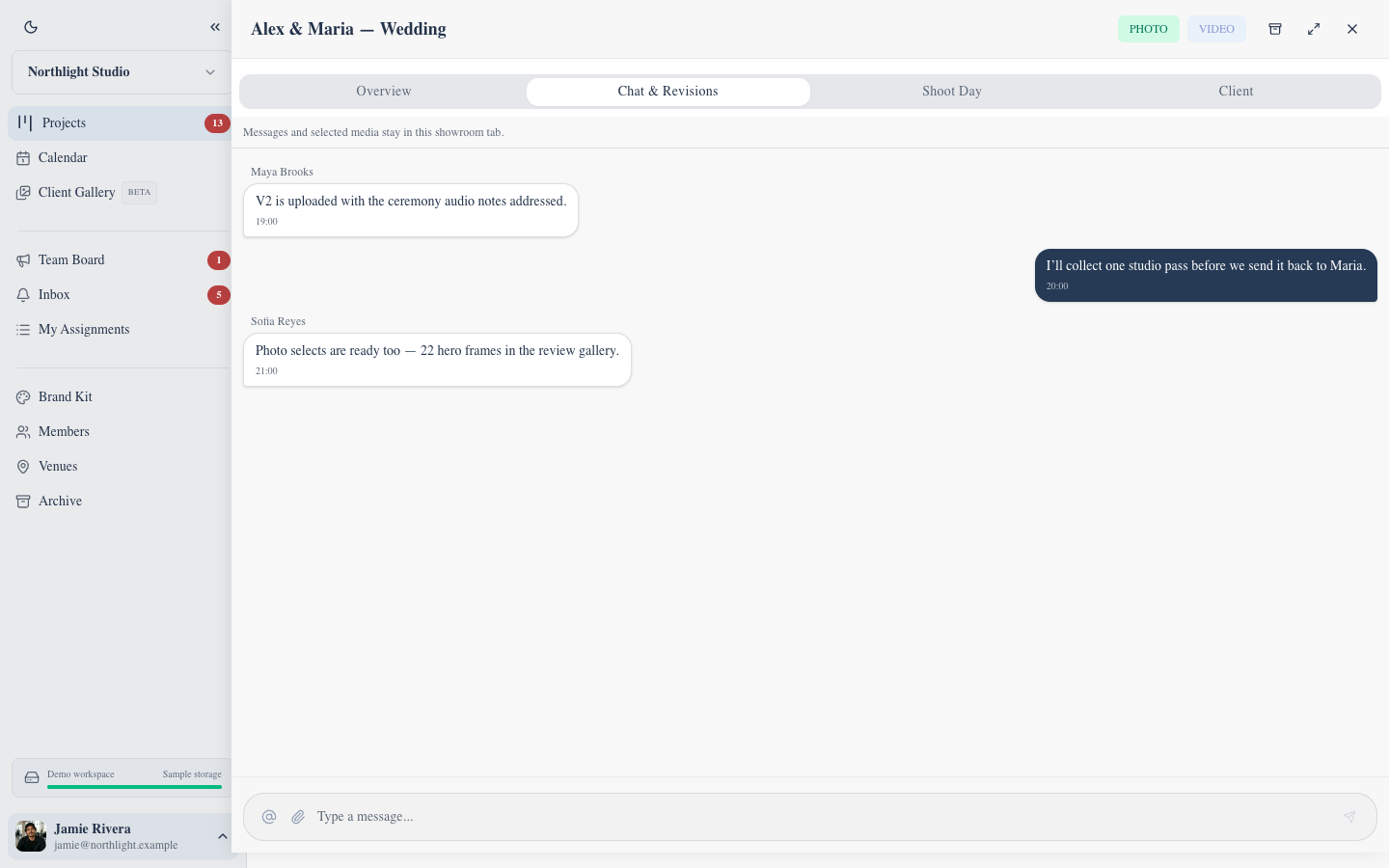 Project chat holds decisions about the shoot; frame-specific changes stay on the reviewed cut.
A freelance-editor revision handoff checklist
Before sending a round, confirm:
- the cut is frozen and clearly numbered;
- every note belongs to that version;
- every note contains a timestamp or a marked frame;
- instructions describe an action;
- conflicting requests have one decision;
- the revision window is closed;
- one editor owns the next version;
- the due date is visible outside the message thread.
If the producer still has to copy the final list into email, the review system has only moved the inbox. The handoff is complete when the editor can open the same version, see the same notes and work through them directly.
How FlowShot handles the handoff
FlowShot Review Pages keep timestamped comments, drawings and numbered versions with the cut. Workspace members can compare versions, reply to notes and resolve the comment queue. The assigned editor sees the project in My Assignments, while the due date, project chat and storage links stay with the same production record.
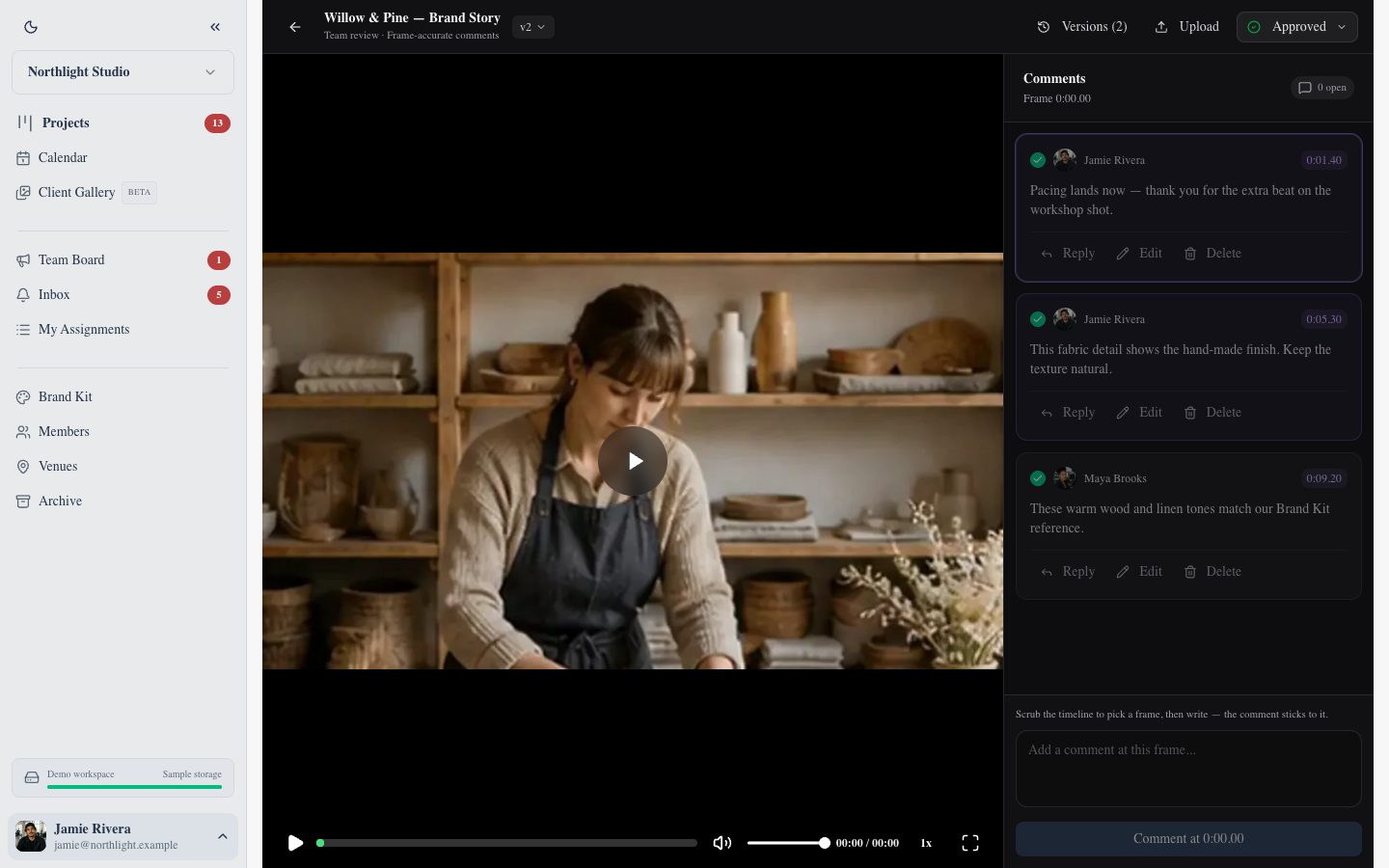 The cut, its numbered version and the original comment queue remain together.
This separates two jobs cleanly: Review Pages hold the working feedback for the studio team, and Client Gallery delivers approved photos and films to the client. A studio can keep client delivery simple without making the producer translate every internal revision.
For the wider process, see video review and collaboration or compare the best video review tools for small studios.
FAQ
How do I give feedback to a video editor?
Pause on the relevant frame, attach one instruction to that timestamp and describe the change as an action. Include the reason when it affects the creative decision. Consolidate all approved notes into one list before the editor starts the next version.
What is a good example of video feedback?
“01:24 — hold this close-up two seconds longer so the reaction lands before the music change” is useful because it identifies the moment, the change and the reason. “The middle feels slow” makes the editor locate and interpret the problem.
Should clients send feedback directly to the editor?
They can leave notes on a shared review page, but the producer or creative lead should resolve conflicts and scope questions before the editor treats the list as final. Direct access should remove transcription, not creative oversight.
How many revision rounds should a video project have?
The right number depends on the agreement, but each round should belong to one numbered version and have a clear deadline. Define included rounds in the quote and avoid mixing new feedback into a round that is already being edited.
Do I still need project management if I use a video review tool?
Yes. Review software holds comments and versions. Project management holds the owner, deadline, crew, status, files and the relationship between the cut and the shoot.
Updated
See the workflow in FlowShot ↗