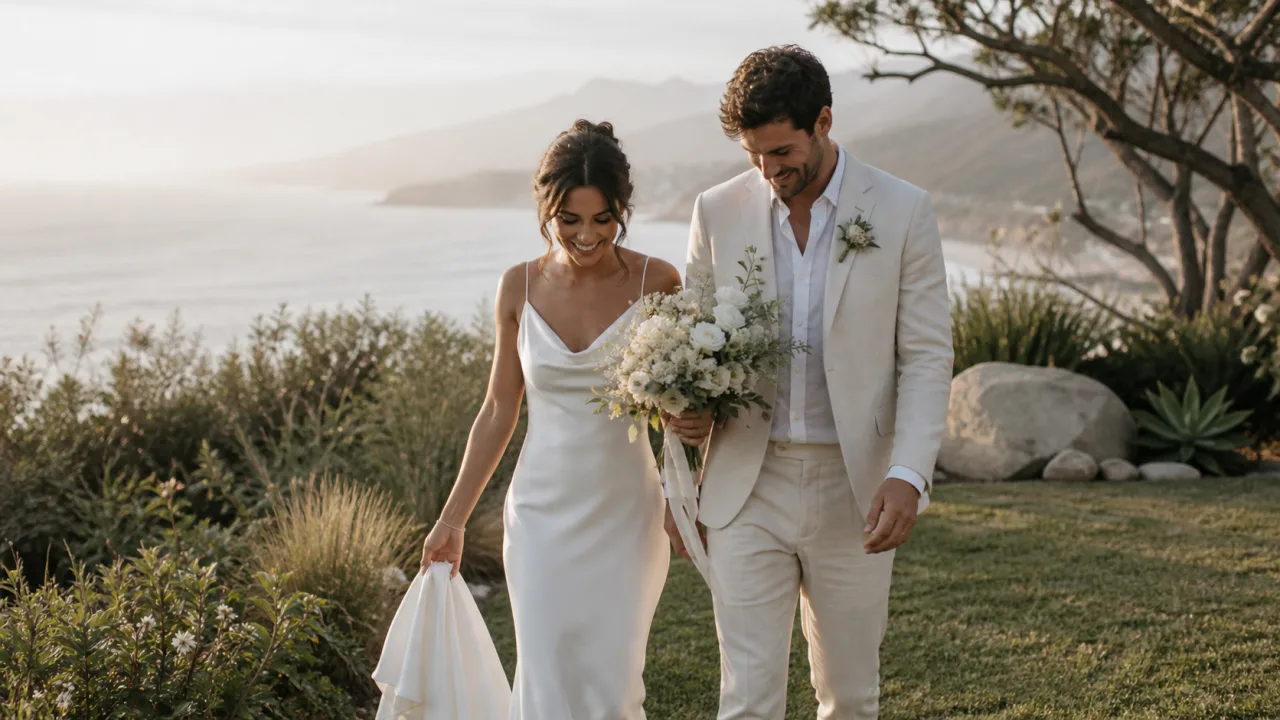
The best way to send photos to clients is a private client gallery that preserves the original files, works well on a phone and gives the client clear controls for viewing, favoriting and downloading. A transfer link is useful for a one-time file handoff. A shared cloud folder is useful for collaborators. Email attachments are suitable only for a few small previews.
The right method depends on what you are delivering. A commercial retoucher may need filenames and source files. A wedding couple usually needs an experience that helps them revisit the day, share it with family and download the finished photographs without learning your storage system.
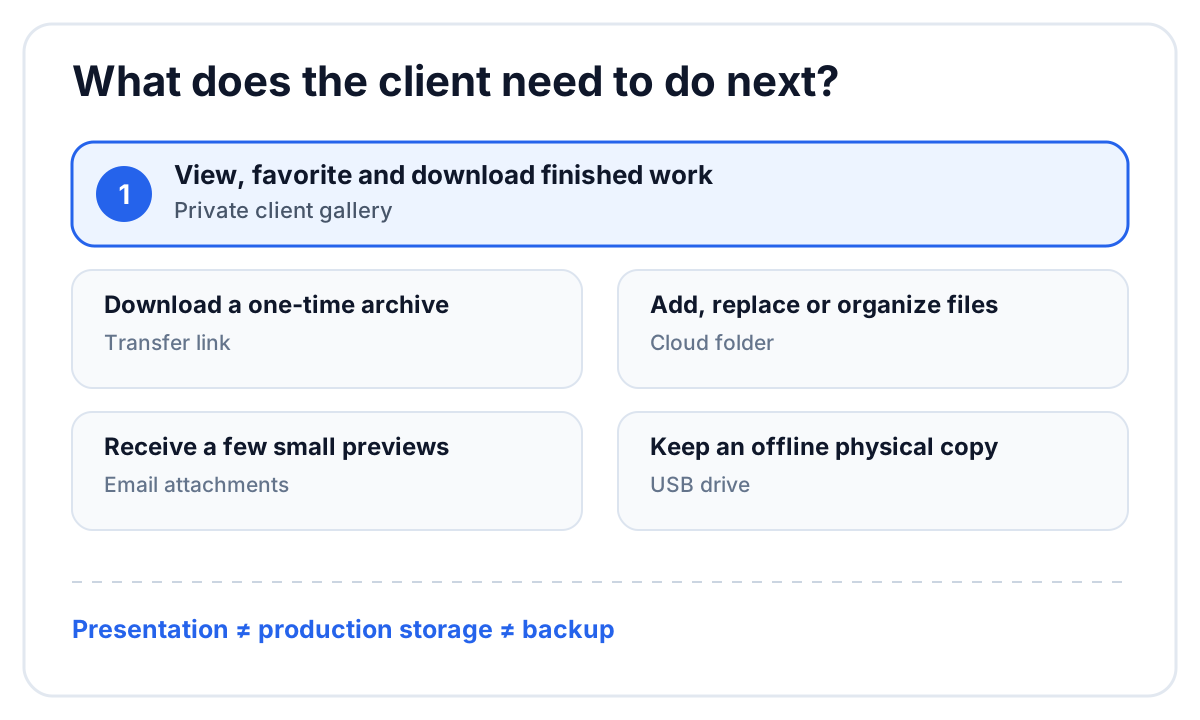 Choose the delivery method around the client’s next action, not the photographer’s upload habit.
Photo delivery methods compared
| Method | Best for | Main weakness |
|---|---|---|
| Private client gallery | Finished sessions, weddings and repeatable delivery | Requires a gallery service |
| Transfer link | One-time delivery of a large archive | The link expires and offers little presentation |
| Cloud folder | Editors, agencies and ongoing collaboration | Exposes storage structure and permissions |
| Email attachments | A few web-size previews | Attachment limits and accidental compression |
| USB drive | Offline archive or a physical package | Slow, easy to lose and difficult to update |
No single method replaces every other one. A studio can use cloud storage for production, a review surface for corrections and a client gallery for the approved work.
Use a client gallery for finished work
A gallery turns a folder of files into a client-facing delivery. The client opens one private link and sees the images in an intentional order rather than as a list of filenames.
Look for these basics:
- full-resolution downloads;
- a layout that works on phones and computers;
- password protection or another private-access control;
- favorites that the client can return to;
- chapters or sets for a long event;
- clear gallery availability or closing dates;
- activity that tells the studio whether the gallery was viewed or downloaded.
If the job includes a film, check whether the same gallery can present photos and video. Sending the photo gallery in one email and the wedding film in another creates two archives for the client and two places for the studio to maintain.
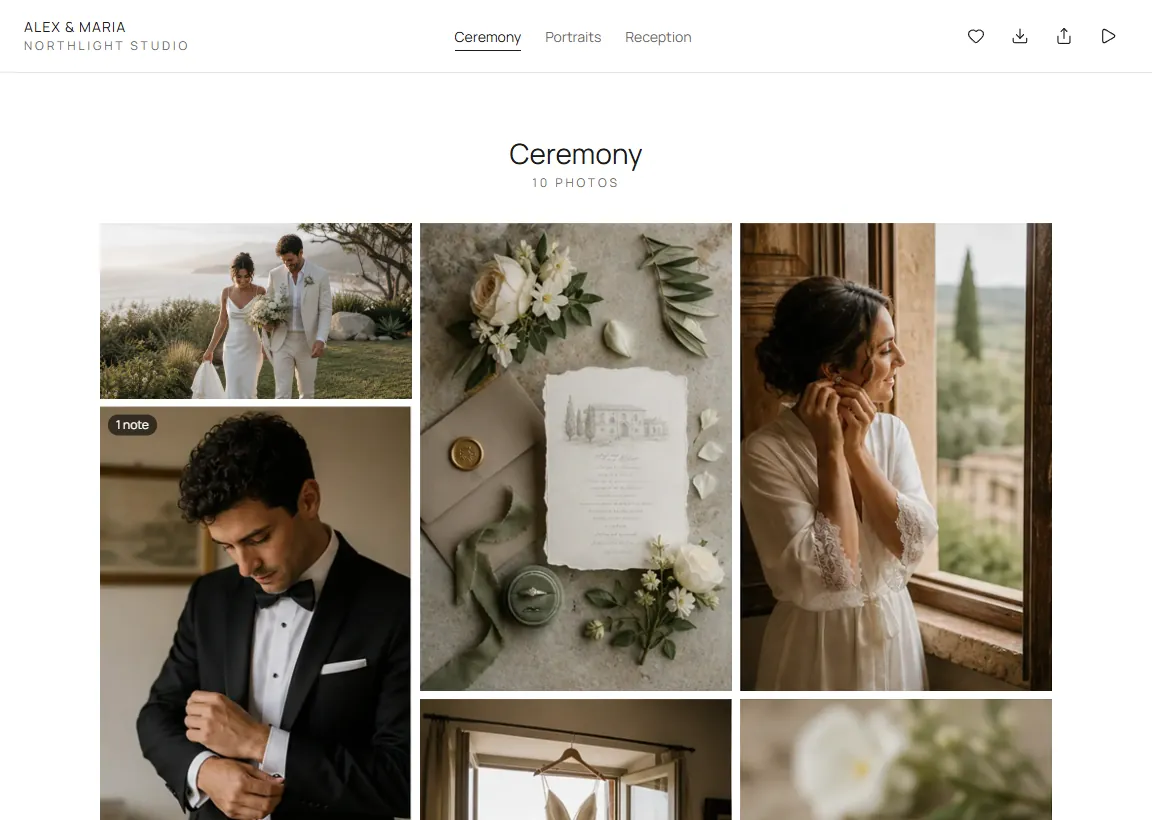 A client gallery presents the finished work and keeps the available actions visible.
Use a transfer link for a one-time handoff
Transfer services are good at moving a large file from one person to another. Use one when the recipient needs to download an archive and the presentation does not matter—for example, sending RAW files to a retoucher or delivering source media to an agency.
Before sending, confirm:
- when the link expires;
- whether the recipient can download the complete folder at once;
- whether the service changes the file;
- whether you will retain your own copy after the link expires;
- whether the recipient needs a password.
A transfer receipt proves that a download occurred. It does not organize the photos, collect favorites or create a durable client experience.
Use a cloud folder for production collaborators
Google Drive, Dropbox and similar storage providers are useful when the recipient must add, replace or reorganize files. That makes them a good fit for editors and partner studios.
They are less helpful as the final wedding gallery. Clients may encounter technical folder names, sync controls and permissions intended for collaborators. A folder also makes it easy to expose review exports beside approved masters unless the studio maintains a strict structure.
Keep the production folder connected to the project, then publish only the approved files to the client-facing delivery. Our wedding videography folder template shows a practical separation between originals, project files, review exports and masters.
Do not send a full gallery as email attachments
Email is the message that introduces the gallery; it should not be the gallery itself. Attachment limits vary, mail apps may create smaller previews and a long thread is a poor archive for hundreds of photographs.
Email works for:
- two or three preview images;
- a social-media sneak peek;
- a contact sheet or small PDF;
- the private link, password and instructions for the real delivery.
For a full session, send one short message that tells the client what the link contains, how to download and how long it will remain available.
Preserve image quality during delivery
“Without losing quality” means the downloaded file remains the same export the studio approved. It does not mean every preview displayed in a browser must load the full original.
Use this checklist:
- Export intentionally. Decide whether the deliverable is full-resolution JPEG, web-size JPEG, TIFF or another agreed format.
- Keep the master separate. Do not overwrite the approved export while creating previews or social versions.
- Test one download. Download the client copy and compare its dimensions and file size with the approved export.
- Explain the options. If the service offers more than one size, label each in language the client understands.
- Keep your archive. A delivery link is not the only copy of the finished work.
Make the delivery easy for the client
The email should answer four questions immediately:
- What is inside the link?
- Does the client need a password or PIN?
- Can the client share it with family?
- When will the gallery close?
Avoid a paragraph of technical instructions. Open the delivery yourself in a private browser window and on a phone. If you need to explain where the download button is, the interface is doing too little work.
How FlowShot sends finished photos and films
FlowShot Client Gallery holds photos and films under one private, unlisted link. The studio can organize photos into chapters, choose the cover, add a password for viewing and a separate PIN for downloads, and set a closing date with reminder emails. Clients can open the gallery without creating a FlowShot account, heart favorites, leave notes when enabled and download the original files.
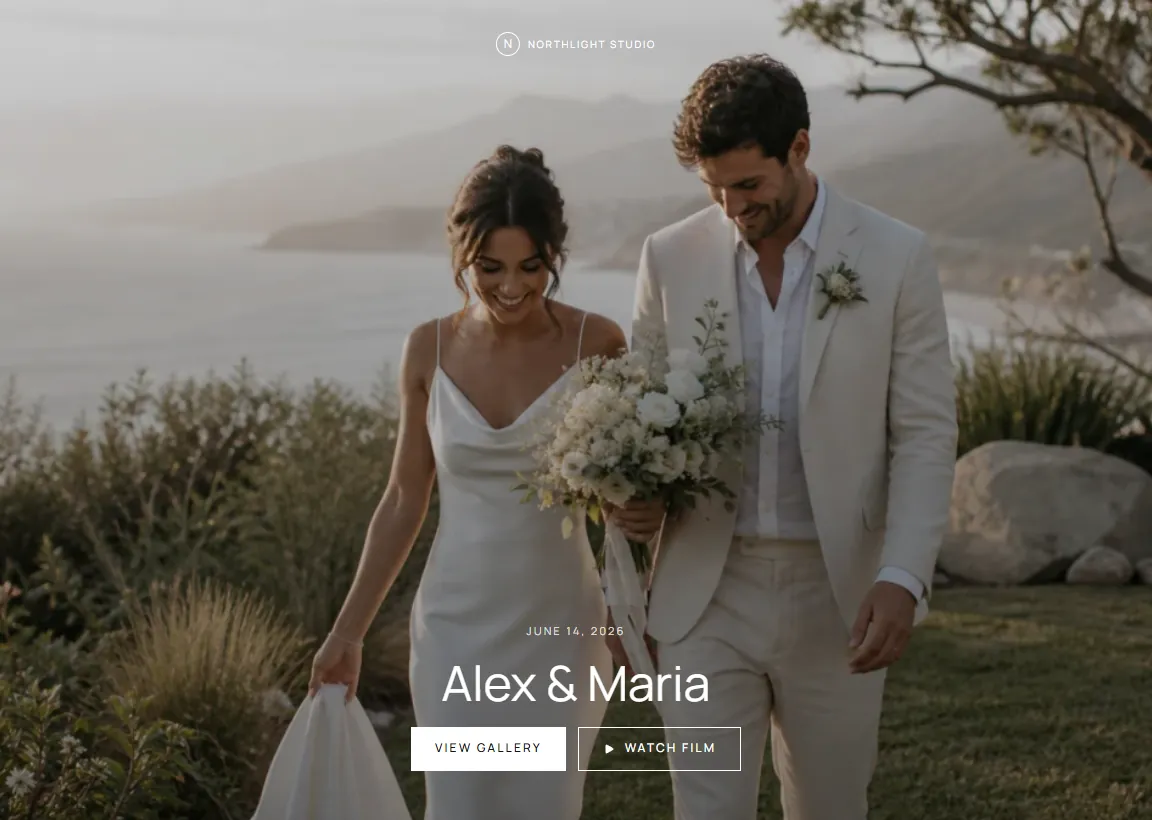 The same delivery can contain the photo story and the finished films.
Client Gallery is the delivery layer. The studio’s photo and video review can run before publishing, so unfinished corrections do not sit beside the final downloads. For gallery selection criteria, read what a client gallery for photographers should include.
FAQ
What is the best way for photographers to send photos to clients?
A private client gallery is usually the best option for finished work because it combines presentation, privacy, favorites and downloads. Use a transfer link or cloud folder when the recipient is a production collaborator who needs the underlying files.
How do I send photos without losing quality?
Upload the approved export to a service that lets the client download the original file. Test the downloaded copy against the export before sending the link. Browser previews may be optimized for speed without changing the downloadable original.
Can I send professional photos through Google Drive?
Yes. Google Drive can transfer the original files, but it behaves like shared storage rather than a designed client gallery. It is often better for editors and collaborators than for the final client experience.
Should I use email or a gallery to deliver photos?
Use email to introduce the delivery and provide the gallery link. Use the gallery for the actual images, favorites and downloads. Attach only a few small previews when that helps the message.
How long should a client gallery stay online?
Set a clear period that matches the contract and storage policy. Tell the client the closing date in the delivery email and send reminders before it closes. Keep a separate studio archive according to your retention policy.