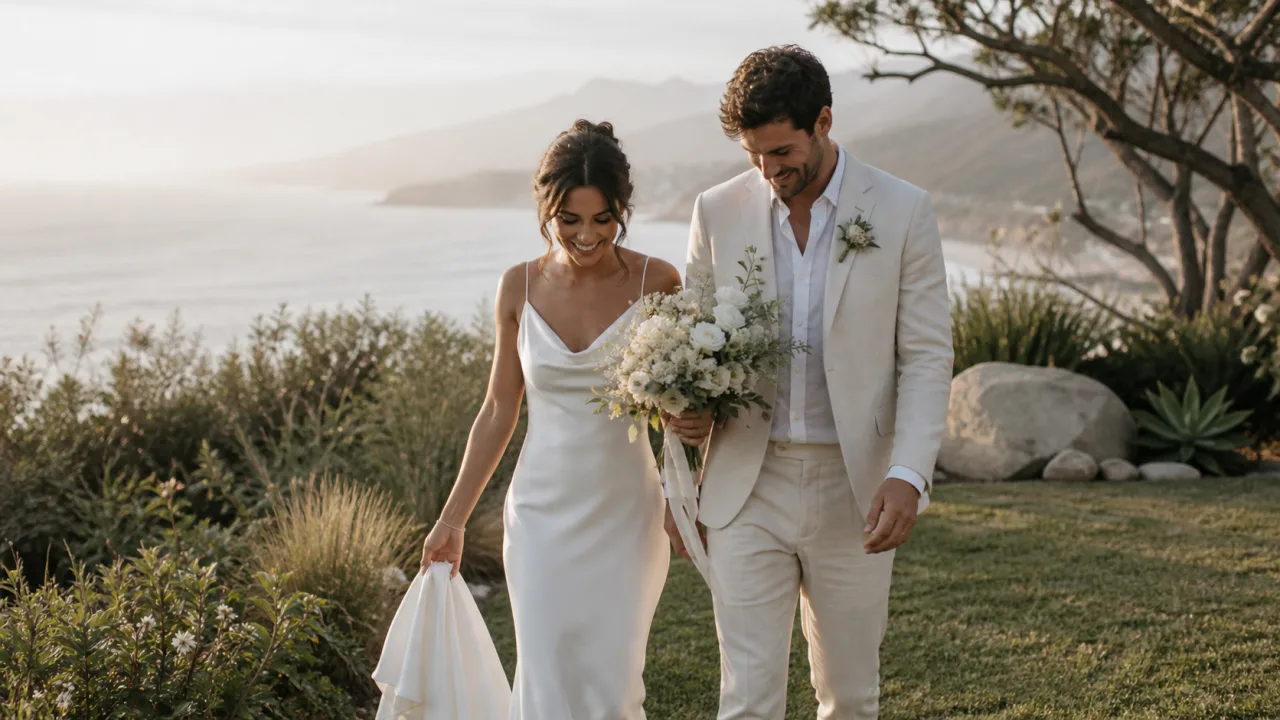
The best wedding video delivery method is usually a private client gallery with reliable playback and a clear original-file download. A transfer link is useful for the master archive, and a USB can complement a physical package, but neither creates a durable viewing experience by itself.
Choose the method around two jobs: the couple wants to watch and share the film; the studio needs to deliver the agreed file and retain its own archive.
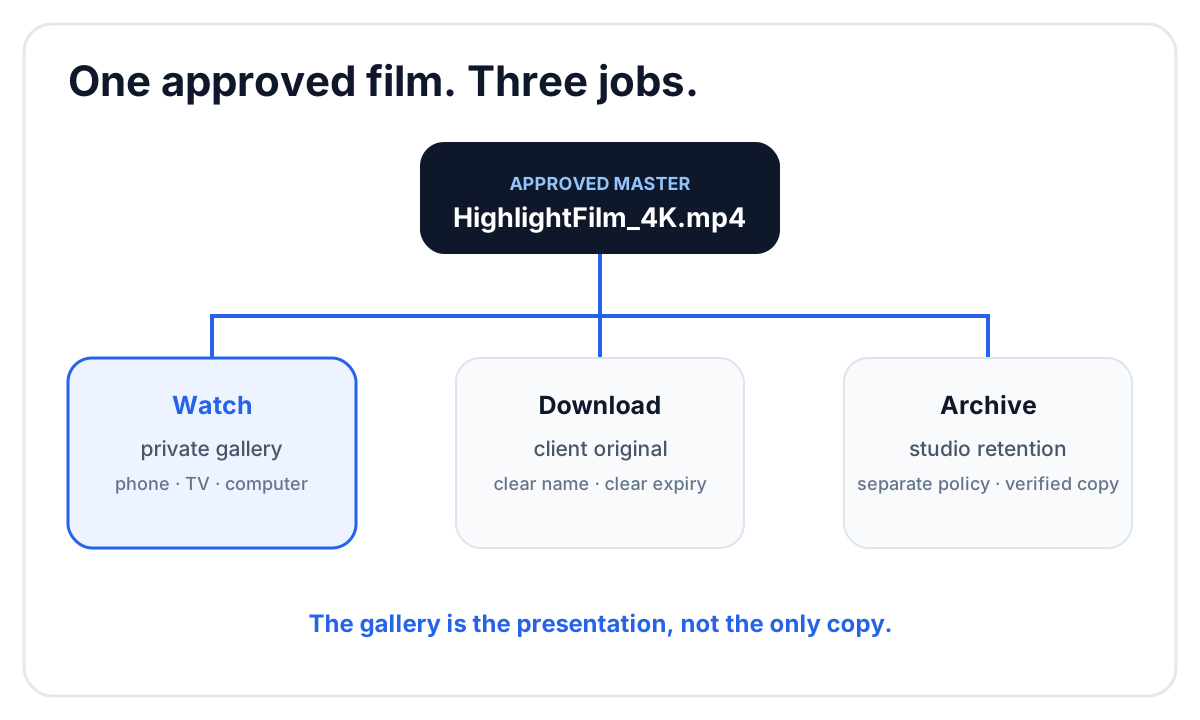 Playback, client download and studio archive are separate responsibilities.
Wedding video delivery methods compared
| Method | Best for | Watch experience | Main limitation |
|---|---|---|---|
| Private client gallery | final client delivery | designed for streaming and presentation | requires a gallery service |
| Transfer link | large master file | download first, watch later | often expires |
| Cloud folder | collaborators and multiple files | utilitarian preview | exposes storage structure |
| USB drive | physical keepsake or offline copy | depends on client device | easy to lose; many devices lack ports |
| Public video platform | marketing or public sharing | convenient streaming | privacy, branding and compression tradeoffs |
A studio may use more than one: gallery for the client, transfer or cloud storage for production, and managed storage for the archive.
Use a gallery for the viewing experience
A wedding film is more than a file. The cover, title, chapter order and surrounding photographs help the couple understand what has been delivered.
Test the gallery for:
- playback on a phone, computer and television browser;
- poster image and title before the film starts;
- privacy controls;
- whether the client can download the original file;
- how multiple films are organized;
- whether photos and films can share one delivery;
- what happens when the gallery closes.
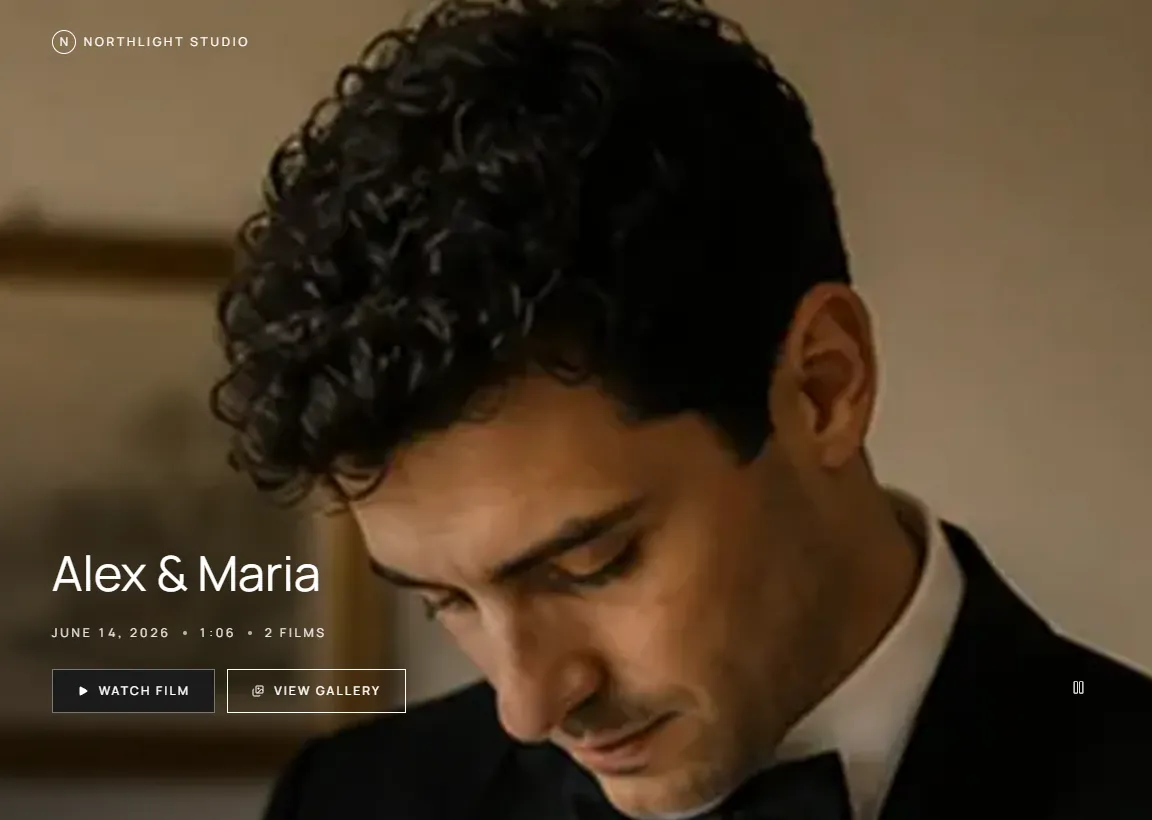 The final film can sit beside the photographs rather than arriving as a separate technical link.
Use a transfer link for the master file
A download link is a good secondary delivery when the master is too large for convenient browser playback or the client explicitly wants an archive file. Name the file clearly:
Anna-Lars_HighlightFilm_4K.mp4
Avoid final-final-v3.mp4. The client should be able to identify the film years later without opening it.
Tell the client when the link expires and where the persistent viewing gallery lives. Keep the studio’s own copy; the transfer service is not an archive.
Use a cloud folder for collaborators
Cloud folders suit editors, agencies and partner studios who need several deliverables or may replace files. Separate review exports from approved masters so the newest timestamp cannot be mistaken for client approval.
For example:
05_EXPORTS/
├── Review/
│   ├── HighlightFilm_V1.mp4
│   └── HighlightFilm_V2.mp4
└── Approved/
    ├── HighlightFilm_4K.mp4
    └── CeremonyFilm_4K.mp4
Our wedding videography folder structure covers the full project tree.
Treat USB delivery as an extra, not the only copy
A branded USB can feel valuable in a physical package. It can also fail, become outdated or be unusable on a phone or tablet. If you offer one, pair it with the online gallery and state which copy controls if the files differ.
Use a common filesystem and video format that matches the devices promised in the package. Test the drive after writing it and before shipping.
Separate review from final delivery
Do not ask the couple to review V1 inside the same presentation that looks like the final gallery. Review requires version numbers, timestamped notes and a closed correction round. Delivery requires a clean approved film.
A simple sequence is:
- upload V1 to the review surface;
- collect one consolidated correction round;
- upload V2 as a new version;
- record studio or client approval;
- publish the approved film to the delivery gallery;
- export and archive the agreed master.
See the complete video review and collaboration workflow for version and feedback practices.
Decide what the client can share
The delivery message should state whether the gallery link can be shared with guests and whether the downloadable master is intended for private use. When the couple requests a social edit, deliver it as a separate named file rather than asking them to crop or compress the master.
If a film contains licensed music, the studio should understand the scope of that license before encouraging public uploads. Do not assume a license for client delivery automatically covers every social platform or paid promotion.
Build a clear wedding video delivery email
Include:
- the private gallery link;
- password or download PIN, if used;
- a one-sentence list of included films;
- the gallery closing date;
- simple download instructions;
- the studio contact for technical problems.
Example:
Your wedding films are ready. The gallery contains the Highlight Film and full Ceremony Film beside your photographs. Use the PIN below to download the original files. The gallery will remain available until March 31.
Keep revision language out of the delivery email after approval.
How FlowShot delivers wedding films
FlowShot separates Review Pages from Client Gallery. The editor and studio can work through timestamped video notes and numbered versions in review. The approved film can then be published to the client’s gallery or uploaded in its Film tab.
The client opens the gallery without a FlowShot account, watches the films beside the photo delivery and can download the original film file. The studio can protect the gallery with a viewing password and download PIN, and set a closing date with reminder emails.
For a combined offering, the related guide explains the best way to send photos to clients.
FAQ
How do wedding videographers deliver videos?
Most deliver through a private streaming gallery, a downloadable transfer link, a cloud folder or a USB drive. A gallery plus an original download usually provides the clearest viewing and file-delivery experience.
Should a wedding video be delivered in 4K?
Deliver the resolution promised in the package and appropriate to the source, edit and playback needs. Some clients benefit from both a high-quality master and a smaller sharing copy.
Is a USB enough for wedding video delivery?
It can be a useful keepsake or offline copy, but it should not be the only delivery. Many current devices lack USB-A ports, and physical media can be lost or fail.
How long should a wedding video gallery stay online?
Set the period in the contract or delivery policy, communicate the closing date and send a reminder. The studio should retain its own archive separately from the client gallery.
Can wedding photos and video use one gallery?
Yes, when the gallery supports both formats. A combined delivery gives the couple one link for the finished story and reduces separate access messages.